Update Drivers & Add-ons
New drivers or add-ons are published to the CID Hub when they are released.
To view the available versions, go to the Software Library tab, then open the Instrument Drivers or Add-ons sections.
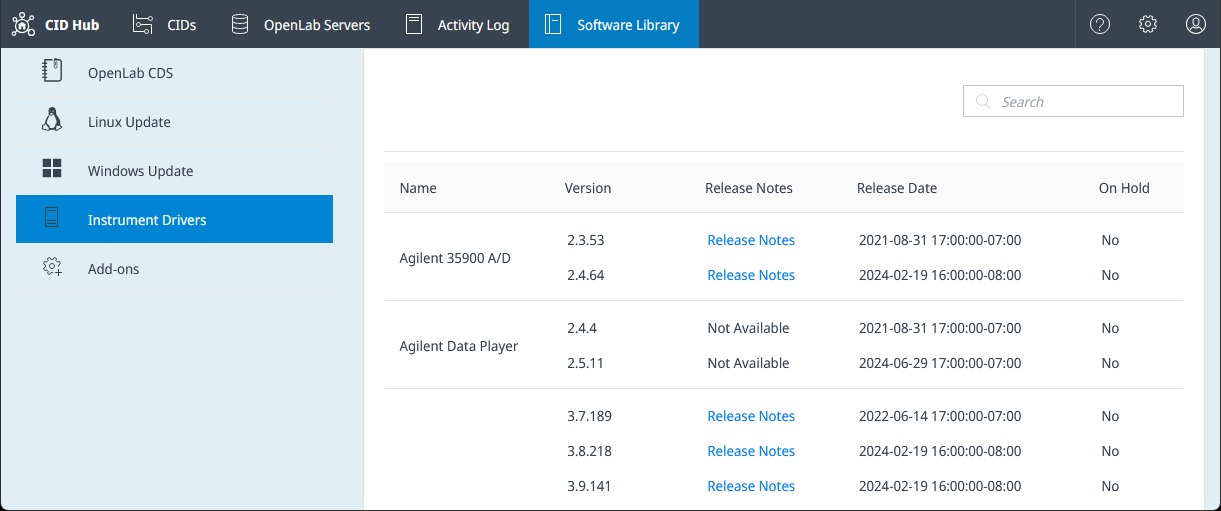
You can choose which driver or add-on versions to install on your CIDs from the Software tab on either your server or an individual CID.
On the Software page, the Update Available label appears for any driver that has a newer version.
Select Change to view available versions, read release notes, and select them to be installed.
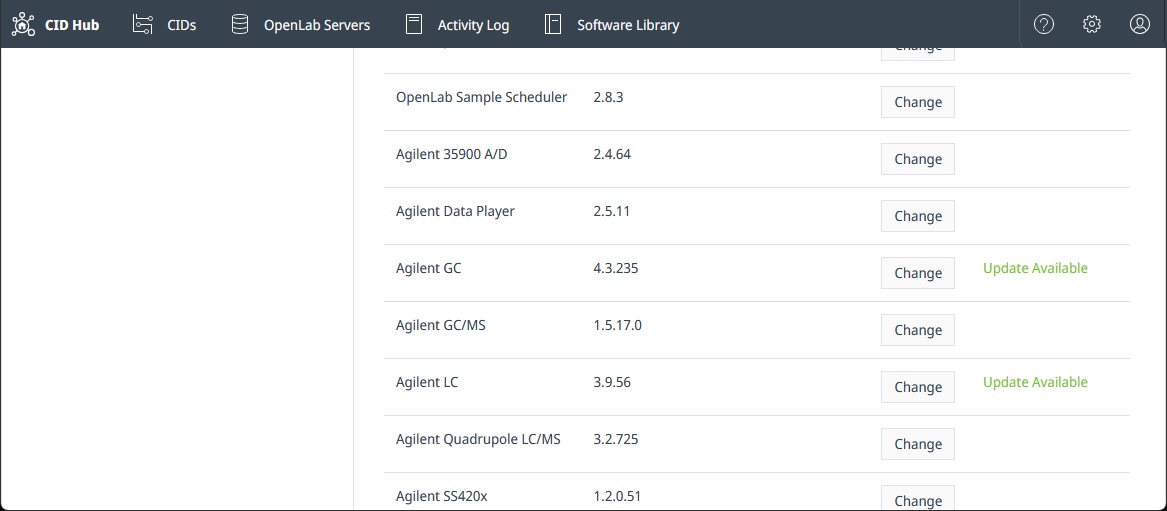
After making your selections, you can apply the changes to your CID(s).